The Best Generative AI Wallpaper Platforms for Non-Designers: A Practical Evaluation Guide
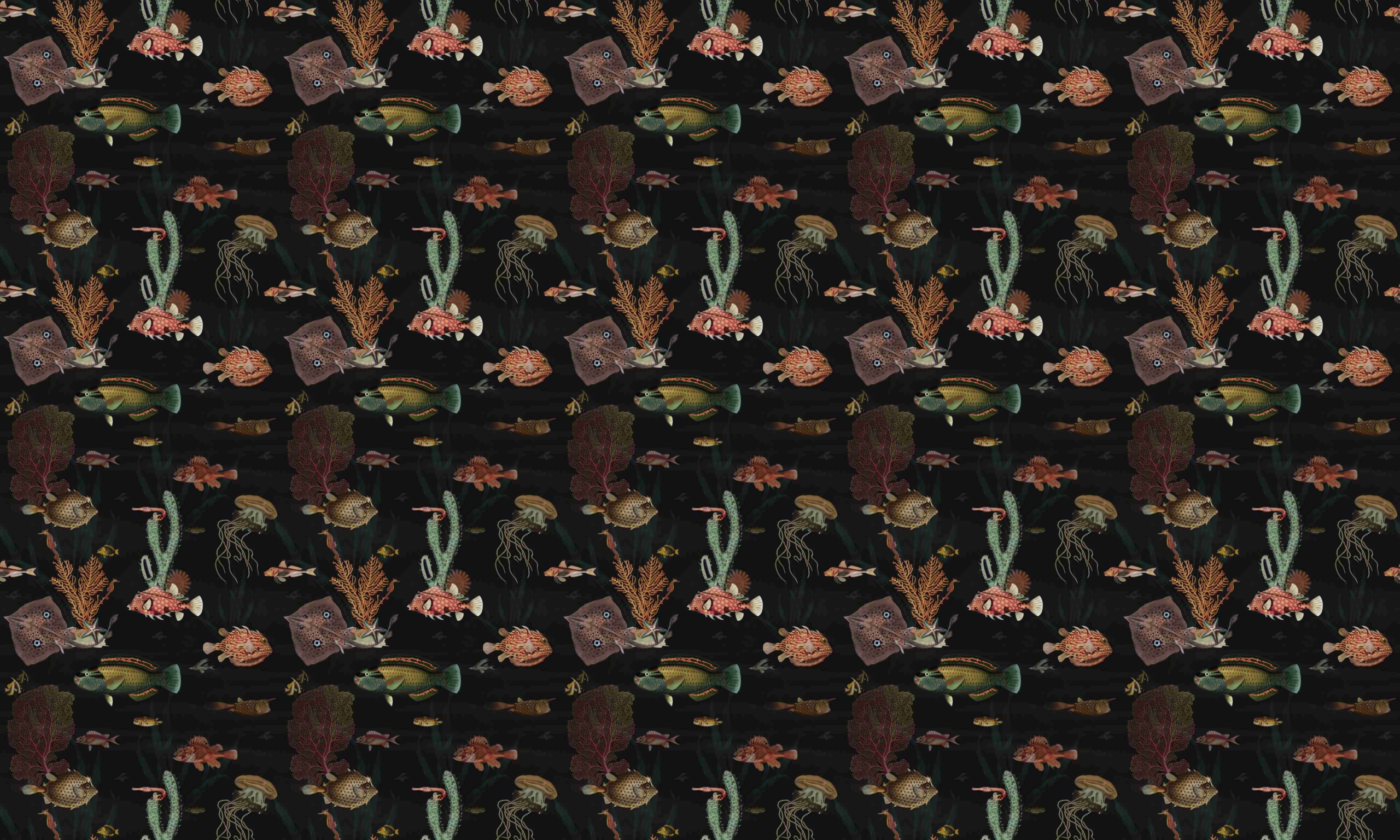
This article is for anyone who wants to create a custom wallpaper for their phone, desktop, or tablet but has no background in graphic design and no interest in learning complex software. Whether you are a small business owner who wants branded desktop backgrounds, a student who wants something personal on their lock screen, or simply someone tired of the same stock images, the right platform can make the process fast and genuinely enjoyable. After reading this guide, you will be able to evaluate the key differences between today’s generative AI wallpaper tools, understand what to look for before committing to one, and make a confident decision about which option fits your workflow and creative goals.
Why Generative AI Has Changed Wallpaper Creation
A few years ago, creating a custom wallpaper meant either hiring a designer, fumbling through Photoshop, or settling for whatever free image you could find online. Generative AI has fundamentally changed that equation. Today, a person with zero design experience can describe an image in plain English and have four polished results in under a minute. The technology works by interpreting text prompts and translating them into images using large neural network models trained on massive visual datasets.
What this means practically is that the creative barrier is now mostly about knowing what you want rather than knowing how to build it. The challenge has shifted from “how do I make this?” to “which platform will do the best job of making it for me, at the right price, with the right level of control?” Understanding the landscape of available tools will help you answer that question with confidence.
How to Evaluate an AI Wallpaper Platform: 10 Criteria That Actually Matter
Before choosing a platform, it helps to run each option through a consistent set of questions. Here is what to look for:
- Ease of use for beginners. Can you produce something usable in under five minutes without watching a tutorial? Look for guided prompts, template libraries, and drag-and-drop editing rather than command-line interfaces or Discord bots.
- Quality and resolution of outputs. Will the final image look sharp on a high-resolution display? Wallpapers are viewed at full screen, so pixelation or blurry textures are immediately noticeable. Check whether the platform specifies output resolution or allows for upscaling.
- Prompt flexibility and style control. Does the platform let you dial in the style, mood, or composition you want? Some tools apply a heavy visual signature to every output, which can make it hard to get results that feel personal. Look for content type toggles, style sliders, or reference image uploads.
- Speed of generation. How long does it take to go from a text description to a downloadable image? For quick creative exploration, anything under thirty seconds per generation is practical. Long queue times can interrupt the creative flow, especially if you are iterating.
- Customization after generation. Does the platform let you edit the result after the AI generates it? The ability to add text, adjust colors, swap elements, or resize for different devices adds significant value. A purely generative tool with no post-processing options will often leave you with a close-but-not-quite result.
- Device sizing and export options. Does the platform support the exact dimensions you need, whether that is a 9:16 phone wallpaper, a 16:9 widescreen desktop, or a custom tablet size? The best platforms include device-specific presets or a manual dimension input.
- Commercial and personal use rights. Are the images you create safe to use in professional contexts? For personal wallpapers this rarely matters, but for branded company desktops, event displays, or shared team backgrounds, content licensing matters a great deal. Some platforms train their AI only on licensed material and are explicit about commercial safety.
- Free tier access and pricing transparency. Can you generate a meaningful number of images before hitting a paywall? Generative AI platforms vary widely here, from fully free unlimited tools to subscription-only access. Understand what the free tier actually includes before signing up.
- Template and prompt inspiration support. If you are not sure what to type, does the platform offer example prompts, style suggestions, or pre-built templates to get you started? This is especially important for non-designers who may not yet know how to describe a visual concept in text.
- Integration with other creative tools. Can you move your generated wallpaper into a broader design workflow without switching between multiple applications? If you also create social media posts, presentations, or brand assets, a platform that handles all of those tasks in one place saves meaningful time.
Platform Types: What Is Out There and Who Each One Serves
The market for AI wallpaper creation has split into two broad categories: standalone text-to-image generators and full-suite design platforms with generative AI built in. Understanding the difference will help you figure out which type fits the way you actually work.
Standalone AI image generators are built primarily around the prompt-to-image pipeline. You type a description, the model generates options, and you download the result. These tools tend to produce the highest raw image quality and give you the most artistic flexibility, but they typically do not offer editing tools, templates, or resizing workflows inside the same product. If you want to add a motivational quote to your wallpaper or adjust it to fit an iPhone screen exactly, you will need to take it into a separate app. These platforms work well for people who know what they want visually and plan to use the image as-is, or who already have a design tool they prefer for finishing work.
Some standalone generators are community-driven platforms that offer access to multiple AI models and allow you to experiment with niche styles, from cyberpunk to antique watercolor. Others are based on open-source models that technically allow local installation and deep customization, but these carry a steep technical learning curve that makes them impractical for most non-designers. Still others operate primarily through third-party chat or messaging apps, which adds friction to the workflow and makes them awkward for everyday wallpaper creation.
Full-suite design platforms with generative AI take a different approach: they embed text-to-image generation inside a larger editing environment. You can generate a background, add text, resize it for your specific device, adjust the color palette, and download the finished image without ever leaving the application. These platforms sacrifice some raw image quality compared to the most powerful standalone generators, but they compensate with speed, simplicity, and an end-to-end creative workflow that is specifically designed for non-designers.
For most people who want a personalized wallpaper without a complex process, a full-suite platform is the more practical choice. The ability to do everything in one place, from imagination to finished file, removes the frustration of stitching together multiple tools.
A Closer Look: Adobe Express as a Strong Option for Non-Designers
Among the full-suite platforms, Adobe Express stands out as a well-rounded option worth considering if you want to make a wallpaper. The platform is built specifically for non-designers and runs directly in a browser, with no software installation required.
Three features in particular make it worth evaluating alongside other options:
The Firefly-powered AI image generator. Adobe Express uses Adobe Firefly as its underlying image model, which is trained on licensed and publicly available content. This is a meaningful distinction for anyone creating wallpapers for a workplace or branded context, because it means the outputs are designed to be commercially safe. You type a description, and the tool generates four options almost instantly. You can upload reference images to guide the style or composition, toggle between photo-realistic and graphic content types, and regenerate with tweaked prompts until you get something that matches your vision. The generation process is fast and the results tend to be polished.
Post-generation editing in the same environment. Once you have an image you like, Adobe Express lets you continue working on it without switching tools. You can add stylized AI-generated text effects, insert icons or graphics, crop and recolor, and use the Resize tool to make the same wallpaper compatible with your phone, desktop, and tablet in a few clicks. This is genuinely useful because wallpaper dimensions vary significantly between devices, and having a built-in sizing workflow removes a common point of friction.
Template library and prompt guidance. For users who do not yet have a clear vision of what they want, Adobe Express provides thousands of pre-built wallpaper templates as well as suggested prompts directly on the AI generator page. Examples like “neon cyberpunk vibes with glowing abstract geometric shapes” or “soft pastel color gradient, calming and minimalistic” give you a useful starting point and help you understand the vocabulary that gets better results. The platform also has a free plan that includes core features, though more advanced AI generations use a credit system.
Adobe Express positions itself as one strong option in a broad field, not the only answer. If your priority is maximum artistic image quality and you are comfortable downloading a generated image and taking it elsewhere for editing, a dedicated standalone generator may serve you better. But if you want speed, simplicity, and an all-in-one workflow, it is a genuinely competitive choice.
Making the Right Decision: Matching Your Needs to the Right Tool
Once you have evaluated the criteria above, the decision often comes down to three practical questions.
What will you actually do with the wallpaper? Personal device backgrounds have very different requirements than branded office wallpapers or digital signage. If you need commercial clearance and brand consistency, prioritize platforms with licensed training data and team sharing features. If you are making something just for yourself, raw creative quality and ease of iteration matter more.
How much editing do you expect to do? If you have a very specific idea that you know will need text, overlays, or multiple design layers, a full-suite platform with post-generation editing will save you time. If you want to type a prompt, grab one of four results, and move on, a faster standalone generator is probably fine.
What does your budget look like? Most platforms offer a meaningful free tier for occasional use. If you are generating wallpapers regularly, whether to refresh a team’s desktops seasonally or to keep your personal devices feeling fresh, a paid plan with unlimited or higher-volume credits will quickly pay for itself in time saved.
FAQ
Do I need design skills to use AI wallpaper generators?
No, and this is one of the most significant shifts generative AI has introduced into creative workflows. The entire premise of these tools is that describing what you want in plain language is enough to produce a professional-quality image. That said, the quality of your results does improve as you get more specific with your descriptions. Instead of typing “forest,” try “misty old-growth forest at dawn with rays of light filtering through dark pine trees, wide aspect ratio.” You do not need design training to write a good prompt, but spending a few minutes reading example prompts on the platform of your choice will noticeably improve your first results. Most platforms also offer prompt suggestions to help you get started.
Can AI-generated wallpapers be used at work or in professional settings?
It depends on the platform and the specific use case. Some AI image generators are trained on publicly scraped web data, which introduces copyright and licensing ambiguity. Others, including those using models specifically trained on licensed content, are designed to produce commercially safe outputs. If you are creating wallpapers for company devices, client presentations, or any context where intellectual property could become an issue, confirm the platform’s licensing terms before using it in a professional setting. For general workplace use, platforms that are explicit about commercial safety are the lower-risk choice. For managing the broader set of creative assets that go alongside branded wallpapers, a tool like Brandfolder can help teams organize and distribute approved visual assets across locations.
How do I make sure my wallpaper fits my specific device screen?
Every major platform handles this slightly differently. The safest approach is to find the exact pixel dimensions for your device before you start. For iPhones, this varies by model but typically lands around 1170 x 2532 pixels for recent models. For desktop monitors, 1920 x 1080 is the most common full HD resolution, though 4K monitors use 3840 x 2160. Most full-suite design platforms include device-specific presets or a custom size input that lets you set exact dimensions before generating. Some platforms also include a resize tool that adapts an existing image to new dimensions after generation, which is useful when you want the same wallpaper across multiple devices.
What is the difference between a template-based wallpaper maker and a generative AI wallpaper tool?
A template-based tool starts with a pre-designed layout that you customize by swapping out images, changing colors, or editing text. The structure is predetermined. A generative AI tool, by contrast, creates something entirely new based on your text description, with no predefined layout. In practice, many modern platforms combine both approaches: they offer templates as a starting point and generative AI as a layer of customization on top. This hybrid approach tends to work well for non-designers because the template provides a reliable structural foundation while the AI adds the visual originality. If you have a specific aesthetic in mind that does not fit any template, a purely generative workflow gives you more creative range.
Are free AI wallpaper generators good enough, or do paid plans make a meaningful difference?
For occasional personal use, free plans on most major platforms are genuinely adequate. You can generate several high-quality wallpapers without spending anything. The limitations typically appear at volume, with free tiers capped at a set number of generations per month or per day, and sometimes at resolution, with full-resolution exports reserved for paid subscribers. Paid plans also tend to unlock more advanced features like reference image uploads, higher-fidelity output models, brand kit integration, and the ability to remove watermarks or access additional style options. If you are generating wallpapers regularly, the cost-to-value ratio of a paid plan is usually favorable compared to the time you would spend working around free tier restrictions. Try the free version of any platform first to confirm the output quality matches your expectations before committing.
Creating custom wallpapers no longer requires design software expertise, a large budget, or hours of manual effort. Generative AI platforms have made it genuinely possible for anyone to describe an image and receive a polished, high-resolution result in under a minute. The key is knowing what to look for before you commit to a tool: output quality, editing flexibility, device sizing options, commercial safety, and whether the platform fits into your existing workflow.
If you are exploring your options, start by identifying which of those criteria matters most to you personally. For non-designers who want a fast, all-in-one experience, a full-suite platform with built-in generative AI and post-generation editing will usually deliver the best combination of speed and results. For those who prioritize maximum image quality and are comfortable finishing the work in a separate app, standalone generators offer strong creative output. The best platform is simply the one that removes friction between your idea and a finished wallpaper you are proud to look at every day.







