Learn SIM Information: Why It Matters and How to Check It Safely in Pakistan
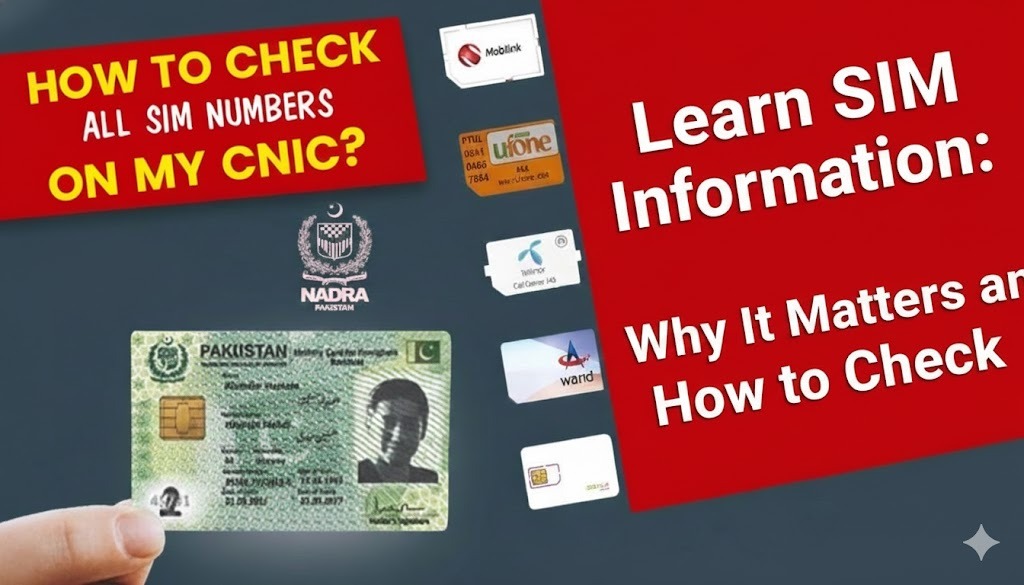
Your mobile number is tied to more than calls and texts. It’s often connected to banking apps, social media accounts, business communications, and two-factor authentication. That’s why understanding SIM information is now a practical part of staying safe online—especially in Pakistan, where SIMs are officially linked to a CNIC and verified through biometric authentication.
When your SIM registration details are correct, you reduce the risk of identity misuse, fraudulent SIM issuance, and unauthorized access to accounts. When they’re not, even a single unknown SIM on your CNIC can create serious problems.
What Is SIM Information?
SIM information means the registration and account details associated with a mobile number. These records are maintained by telecom operators and supported by PTA systems for accountability and security.
Common registration information can include:
- Which CNIC (or ID) the SIM is registered on
- The mobile network (Jazz, Zong, Ufone, Telenor, etc.)
- SIM status (active/inactive)
- The count of SIMs registered against a CNIC (per operator)
This information becomes especially important when you suspect misuse—such as an unknown SIM issued under your CNIC, a lost phone, or repeated OTP/security issues.
Why Checking SIM Records Is Important
Telecom fraud and identity misuse are growing risks. A simple SIM verification check helps you:
- Confirm how many SIMs are registered on your CNIC
- Detect any suspicious or unauthorized SIMs early
- Reduce the chance of scams tied to your identity
- Stay compliant with PTA rules and biometric verification requirements
Even if you’re not facing an issue today, periodic checks help you stay in control of your digital identity.
The Safe and Official Ways to Check SIMs on Your CNIC (PTA-Recommended)
In Pakistan, the safest approach is to use PTA’s official SIM count methods. PTA confirms you can check the number of SIMs registered against your CNIC in two primary ways: by SMS to 668 or via the website cnic.sims.pk.
1) Check via SMS (668)
- Open your SMS app
- Type your CNIC number without dashes
- Send it to 668
- You’ll receive a reply showing how many SIMs are registered against your CNIC (typically broken down by operator).
2) Check via PTA SIM Information System Website (cnic.sims.pk)
- Open the SIM Information System page
- Enter your CNIC (without dashes)
- Complete the verification step (captcha)
- Submit to view the SIM count registered under your CNIC.
Important: These PTA methods are designed to help you confirm SIM counts linked to your CNIC. If you need to correct ownership details or disown a suspicious SIM, you should contact the relevant mobile operator through official channels (franchise/customer service center).
A Note About “SIM Owner Details” Websites
Many third-party sites claim they can show personal owner data for any number. That’s a privacy risk and can be inaccurate or unsafe. If your goal is security and compliance, stick to PTA’s official SIM count checks and your mobile operator’s official support routes.
Who Should Regularly Check Their SIM Status?
This habit is useful for:
- People concerned about identity theft or CNIC misuse
- Parents/guardians managing SIMs issued on family CNIC records
- Businesses tracking employee SIM issuance and compliance
- Anyone who frequently receives suspicious calls, OTP attempts, or account alerts
What to Do If You Find an Unknown SIM on Your CNIC
If your PTA check shows SIMs you don’t recognize:
- Identify which operator the suspicious SIM is on (PTA results often show operator-wise counts).
- Visit that operator’s official franchise/customer service center with your CNIC.
- Request verification, ownership correction, or disown/blocking of the unauthorized SIM.
This is the safest way to resolve the issue and protect your identity long-term.
Frequently Asked Questions
Can I check SIM information with number?
People often search for SIM information with number, but for privacy reasons, you typically can’t (and shouldn’t) access someone’s personal registration details just by entering their number. The safest legal approach is checking SIM counts on your own CNIC via PTA (668 / cnic.sims.pk) and contacting your operator for ownership corrections.
How often should I check?
A simple check every few months is a smart routine—especially if you use your number for banking and OTPs.
Final Thoughts
Knowing what’s tied to your CNIC isn’t “extra”—it’s basic digital safety. By checking your SIM status through PTA’s official channels, you reduce the risk of fraud and keep your mobile identity under control. Use the PTA 668 service or cnic.sims.pk, and if anything looks suspicious, resolve it through your mobile operator’s official support.