The Truth of Using Third-Party Apps on Smartphones
Can you use third-party smartphone apps? Are they safe? What do people get wrong (or right) about them? What should I keep in mind when using them?
The answers to these questions might be more nuanced than you might have initially thought. After all, while third-party apps offer great features and services that expand on what your phone is capable of, there are important considerations to keep in mind if you’re thinking of using them.
In this article, we take a look at the risks, misconceptions, and what to know about using these apps.
What Exactly Are Third-Party Apps?
A third-party app is an application distributed outside official app stores such as the Apple App Store or the Google Play Store. Technically, a “third-party” app can also refer to any app developed by an individual or a company that is not on the manufacturer’s marketplace. These apps are most often obtained through alternative means, such as directly downloading from developers or unofficial marketplaces. This process is commonly known as “sideloading.”
Why Are These Apps Not on Official App Stores?
There are several reasons why an app might not be distributed through official app stores.
Security or Policy Violations
To start, some apps might simply have failed Google’s or Apple’s security, privacy, or transparency standards.
For example, an app may have excessive permissions, behave deceptively, or not have strong enough security protections.
While this does not mean such an app is intentionally malicious (though some definitely are), this presents significant security risks for the users, regardless.
Platform Policy Restrictions
Apple, Google, and other platforms enforce detailed rules about what an app can or cannot do. You can find Apple App Review guidelines here.
These rules often limit how apps can:
- Access the phone’s system.
- Behave in the background.
- Collect payments.
- Interact with other software.
For instance, an app that offers such a deep level of customization that it modifies a phone’s core functionality might be rejected by official app stores.
Thus, developers have no choice but to release it somewhere else.
Independent Distribution and Business Choices
Some developers intentionally distribute their apps outside official app stores due to business decisions. Mainly to avoid platform fees or having to follow other business requirements.
Some might want to maintain greater control over updates. After all, even if an app is initially approved on official app stores, any update to that app must undergo the platform’s review and approval process again.
Regional, Legal, or Licensing Constraints
Another reason an app might not be on official app stores is regional, regulatory, or licensing restrictions. An app can be legal in one country but face restrictions in another country due to different laws.
Because of this, some developers might simply want to avoid the hassle of managing multiple regional approval processes.
How Risky Are Third-Party Apps?
Third-party apps are significantly riskier to download than apps distributed on official app stores.
In fact, according to an analysis by Google, third-party apps are 50 times more likely to contain malware than apps available on Google Play.
Because such apps do not go through the app store’s review process, they’re more likely to cause harm—intentionally or not.
Cybercriminals often use those apps as a way to attack smartphones. They create apps that masquerade as legitimate programs, using them to inject harmful code that steals information or money.
However, even when developers of a third-party app create an app with no ill intent, there are still causes for concern.
Without the oversight and strict, uniform requirements of official app stores, third-party apps are more likely to request excessive permissions or have substandard security measures. This puts the vast amounts of sensitive data typically saved on a smartphone (photos, files, passwords, financial details) at risk.
After all, developers sometimes also rely on third-party tools to create the apps, such as libraries and frameworks, which may sometimes be outdated. Because of this, they’re more prone to security leaks or attacks from other actors, even when the developers themselves share the app in good faith.
How Official App Stores Protect Users

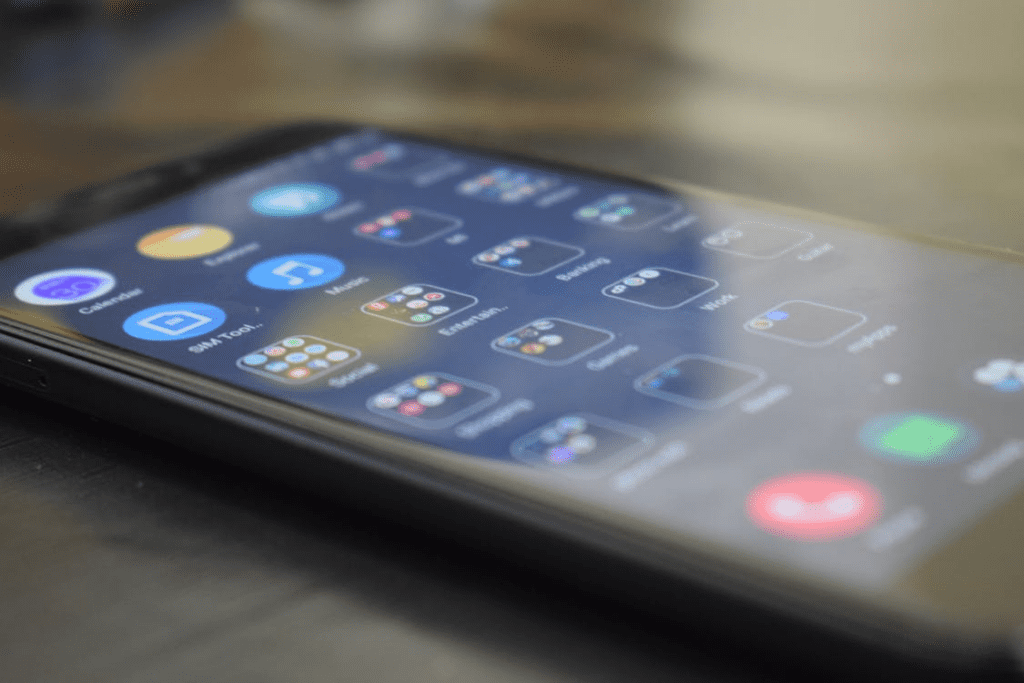
Image Source: A Woman in a Blue Coat Using Her Phone · Free Stock Photo
In contrast, apps found on the official app stores have gone through a standardized vetting process by both Google and Apple.
For example, any apps that wish to be published on the app stores need to disclose what data they collect and explain why they request certain permissions. They also need to follow strict privacy policies about how user information is handled, ensuring transparency and accountability for all apps on the app stores.
Google even has Play Protect for Android phones, which continuously scans apps on a device for any suspicious activity, potentially blocking a malicious app—whether a third-party one or an official one—before it can cause damage.
Of course, their approval and vetting process is not foolproof. Malicious apps will sometimes make it past the vetting process and do harm before they get removed. For example, over 200 malicious apps were found in the Google Play Store in 2025. Additionally, those apps collectively were downloaded over 40 million times.
If this can happen with Google’s stores and its security measures, how much more vulnerable are the apps downloaded from untrusted sources?
Why People Use Third-Party Apps
Despite the risks, such apps remain very popular for several reasons:
- Enhanced Features
Some apps offer features that are not available through official apps. Additionally, many third-party apps are open-source. These apps are developed transparently, with their code publicly available for any enthusiast to adapt or study.
- Customization
Enthusiasts often seek apps that allow them to customize their phones in ways that official apps may not be allowed to.
- Regional Limitations
Apps that are restricted in certain regions might only be available through alternative sources.
- Discontinued Apps
Some apps may be discontinued due to the developers closing shop. When this happens, their apps get delisted from official app stores, and they may only be available from outside sources.
- Free or Modified Versions
Some apps unlock premium features or remove ads for free. However, this carries serious risks besides legal or ethical concerns. These app versions can be uploaded by cybercriminals to harvest passwords and sensitive personal information.
Commonly installed third-party apps include:
- Discontinued mobile games.
- File transfer, ad blocker, and VPN APKs, which are ideally downloaded directly from the provider’s official website rather than third-party repositories.
- Customization tools, e.g., custom launchers or UI modifications.
- Experimental versions of apps or unapproved versions of apps.
- Ad blockers.
- Open-source apps.
In essence, such apps can offer a greater array of features since they are not subject to app stores’ requirements. The trade-off, however, is risk, and the convenience of these benefits needs to be weighed carefully against them.
Best Practices for Staying Safe
If you choose to use third-party apps, here are some practical steps you can take to minimize the risks.
- Do Your Research
Only install apps that are trusted and widely reviewed. Search for reviews and information on the app from a wide variety of sources, as some reviews may be fake. A high download count similarly does not guarantee safety, as these can also be manipulated.
Additionally, just because an app looks professional does not mean it is actually safe. Many scammers frequently clone legitimate apps.
- Review Permissions Carefully
Before approving an app’s permissions, consider whether they are necessary for the functions you will be using. For example, a wallpaper app should not need your contacts list.
- Use Built-In Security Features
Enable Google Play Protect on Android devices. For iPhones, iOS automatically performs the same function as Play Protect with its built-in protection systems.
- Keep Software Updated
OS and app updates typically patch up vulnerabilities in their code, which attackers often exploit.
- Use Security Software
Reputable mobile security apps can detect and block malware before it causes damage.
In fact, these practices largely apply to apps on the official app stores too. As aforementioned, some malicious apps can still potentially be found there.
Conclusion
Third-party apps can offer features that you might not find on apps on official app stores, but they undeniably pose a lot more risk.
If you are thinking of using third-party apps, consider how much you need or want their features. And if you do decide to use them, refer to the best practices above to keep your phone as safe as possible.