Master Your Money: Budgeting Apps for Smarter Savers
The Changing Way We Manage Money
In the past, managing personal finances often meant sitting at the kitchen table surrounded by receipts, bills, and a calculator. People tracked expenses manually, updated spreadsheets, and tried to spot where the money went. This process was slow, and often the numbers were already outdated by the time they were reviewed.
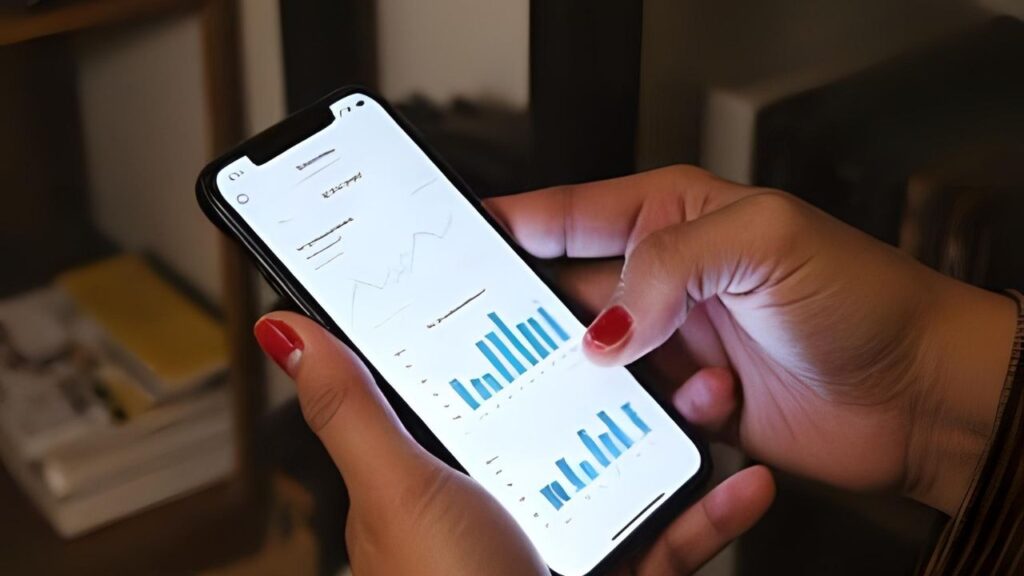
Now, with the rise of the budgeting app, the process is faster, more accurate, and more engaging. These apps connect directly to bank accounts, credit cards, and even digital payment systems. As soon as a purchase is made, it appears in the app, categorised automatically. This gives users a real-time view of their spending without the need to manually enter data.
The shift is not just about convenience—it’s about control. Real-time updates mean people can adjust spending habits instantly rather than waiting until the end of the month to see the damage.
What Is the Budgeting App That Connects to Bank Accounts?
A budgeting app that links to bank accounts works almost like a digital accountant. Once connected, it pulls transaction data, organises it into categories like groceries, transportation, or entertainment, and updates totals instantly.
For example, if someone spends $50 at a restaurant, the app will place that amount in the dining category and adjust the monthly total automatically. This kind of automation means no more forgetting to log expenses, no more lost receipts, and fewer surprises when checking account balances.
Many of the top apps also offer synchronisation with multiple accounts. This is useful for households managing joint finances or people juggling checking accounts, savings accounts, and credit cards. According to Forbes, the ability to see all financial activity in one place helps users identify patterns and make smarter money decisions.
The Benefits of Using a Budgeting App
The best budget app free options bring more than just convenience. Here are key benefits:
- Automation of Tracking – Saves time by recording and categorising every transaction without manual input.
- Clear Visualisation – Offers charts, graphs, and timelines that make spending patterns easy to understand at a glance.
- Goal-Oriented Saving – Allows users to set savings goals and track progress over time.
- Alerts and Notifications – Warns when nearing budget limits or when unusual spending occurs.
- Subscription Management – Identifies recurring charges so unwanted subscriptions can be cancelled quickly.
Take PocketGuard as an example. It calculates “In My Pocket” amounts by subtracting bills, savings goals, and necessities from income, leaving a clear picture of what can be spent safely. This feature can prevent overspending and help build savings faster.
Are Budget Apps Worth It?
The question “Are budget apps worth it?” comes up often. For those who already manage money carefully, the impact might be modest. But for anyone who struggles to track expenses or stick to goals, the difference can be significant.
Budgeting apps reduce the friction between intention and action. They make it easier to see how small daily purchases — coffee, snacks, or ride-share trips — add up over time. This awareness alone can lead to better choices.
A study highlighted by CNET found that people who use budgeting tools regularly save an average of 15–20% more each year compared to those who do not. This isn’t magic — it’s the result of consistent awareness and timely adjustments.
Choosing the Best Free Budget App in 2025

There are dozens of options, but not all budgeting apps are the same. Choosing one depends on personal priorities:
- For Automation – Select an app that connects to multiple financial institutions and updates in real time.
- For Visual Learners – Pick an app with strong graphic reports and customizable dashboards.
- For Accountability – Choose a tool that sends alerts, reminders, and goal progress updates.
- For Simplicity – Go for an interface that’s clean and easy to navigate, even for beginners.
Testing a few free versions before committing to a premium plan can help find the best fit. Some apps also offer trial periods for their paid features, which can be useful when evaluating options.
Additional Features to Look For
When selecting a budgeting app, consider advanced features:
- Cash Flow Forecasting – Predicts future balances based on upcoming bills and expected income.
- Custom Categories – Let users create budget sections tailored to their lifestyle.
- Shared Access – Ideal for couples or families managing joint finances.
- Security Measures – Look for bank-grade encryption and multi-factor authentication to protect sensitive data.
These extras can make the budgeting process even more personalised and effective.
Final Thoughts
A budgeting app is no longer just a tech novelty—it’s a practical tool for anyone aiming to save more, spend wisely, and reduce financial stress. From real-time updates to detailed spending insights, these apps provide the kind of financial visibility that traditional methods rarely achieve.
In 2025, managing money without a budgeting app might feel like navigating without GPS: possible, but unnecessarily difficult.
Have you used a budgeting app, and did it change your financial habits? Which features matter most to you? Share your experiences and tips in the comments—we’d love to hear from you.






