Why Does Your Phone Charge So Slowly?
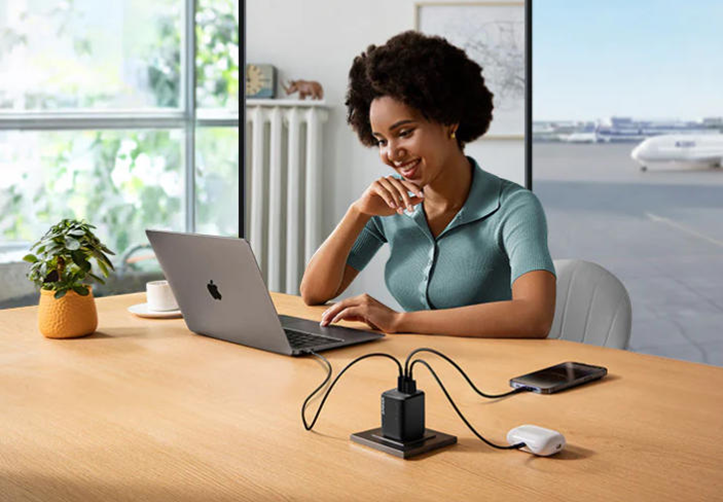
There are few things more frustrating than a phone that charges slowly. You might plug it in overnight only to find it half-charged in the morning, or try to quickly top up before leaving only to watch the percentage crawl upward. Slow charging isn’t just inconvenient—it can disrupt your entire day, especially when you rely on your phone for work, communication, and navigation. While many assume the phone is to blame, the cause is often simpler than it seems—and often fixable. In this article, we’ll explore the most common reasons for slow charging and the practical steps you can take to solve it.
The Power Source: Charger and Outlet Issues
Using an Underpowered or Incompatible Charger
One of the most common reasons for slow charging is the charger itself. Not all chargers are created equal, and many people unknowingly use ones that are underpowered or incompatible with their phone’s needs. For example, borrowing a charger meant for a smaller device may result in a trickle of power that never seems to get your battery where you need it. Even if it fits into your phone, that doesn’t mean it’s delivering the right amount of energy. Over time, using a charger that can’t keep up with your phone’s requirements can leave you frustrated and constantly searching for outlets. The simplest fix is to ensure that the charger matches your device’s capabilities.
Plugging Into a Weak Power Source
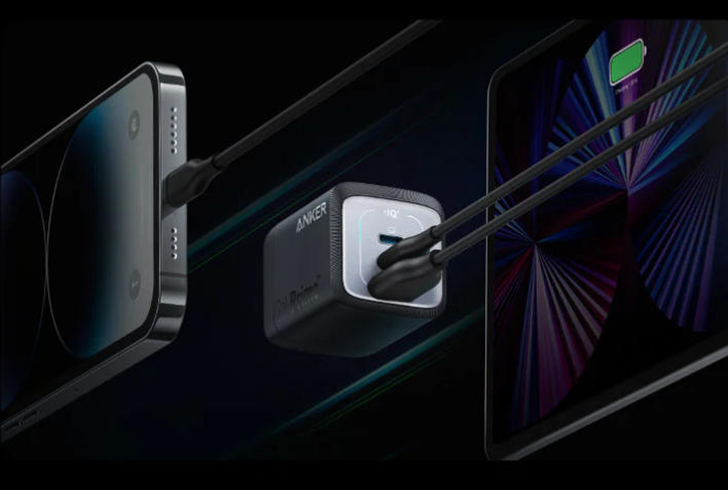
Sometimes the problem isn’t the charger itself but where you’re plugging it in. Charging from a laptop USB port, for example, usually provides much less power than a wall outlet, and this difference can significantly slow things down. Similarly, plugging into an old extension cord or a loose wall socket might not deliver steady energy. Even charging in your car can be inconsistent if the port is not designed for higher power output. Every day life is full of these weaker power sources, and while they’re convenient, they aren’t always the best choice when you need a quick charge. If you notice slow performance, try switching to a direct wall outlet with a reliable charger.
The Cable and Connection: Hidden Culprits
How a Damaged or Low-Quality Cable Throttles Speed
It’s easy to overlook the cable, but it plays just as important a role as the charger. Over time, cables get bent, twisted, and frayed, especially around the ends. Even if they still “work,” a damaged cable may transfer power inefficiently, resulting in slower charging. Low-quality cables can also be a problem from the start, with thinner wires that simply can’t carry enough current. This is why you may notice that some cables feel sturdier and last longer—they’re designed to handle daily use without slowing down your device. If your phone seems to charge slowly despite having a good charger, the cable might be the silent culprit. Replacing it with a higher-quality option can immediately restore proper charging speeds.
The Impact of Dirty or Loose Ports
Another often-forgotten factor is the charging port on your phone itself. Over time, dust, lint, and small debris can collect inside the port, preventing a snug connection between the cable and your device. Even a tiny obstruction can reduce efficiency or cause intermittent charging. Similarly, if the port has become loose from frequent plugging and unplugging, the cable might not make a solid contact. This results in slower charging and can even interrupt the process entirely. Checking your port regularly and gently cleaning it with a soft, non-metal tool can help.
Your Phone’s Behavior and Health
Sometimes the issue isn’t the charger or cable but the phone itself. Running too many apps in the background, streaming videos, or gaming while charging can slow things down dramatically. Essentially, your phone is using up power as fast as it receives it, so the battery percentage barely climbs. Closing unnecessary apps and letting your phone rest while charging can make a big difference. Battery health also plays a role. As batteries age, they lose efficiency and may no longer accept power as quickly as they once did. If your phone is older and you’ve noticed gradual charging slowdowns over the years, the battery could be the underlying issue.
Environmental Factors You Might Overlook
The environment where you charge your phone also affects performance. High temperatures can make your phone throttle charging speeds to protect the battery, which is why leaving your device in the sun or near a heater can slow things down. Conversely, very cold environments can also impact charging efficiency. Even the type of surface you place your phone on—like covering it with blankets while charging in bed—can trap heat and cause the device to slow down charging for safety. These small everyday habits often go unnoticed but can make a noticeable difference. Charging your phone in a cool, well-ventilated place allows it to maintain optimal speed and keeps the battery healthier in the long run.
Conclusion
A slow-charging phone can be frustrating, but the good news is that the causes are usually easy to diagnose and fix. From using the right charger and cable to keeping ports clean, closing background apps, and paying attention to your environment, small adjustments can add up to a much better experience. Instead of living with constant delays, take a few moments to check each factor and see what might be slowing things down. If you are struggling with consistently slow charging and want a more reliable solution, upgrading to a new phone charger can make a world of difference. And if you are considering this step, Anker’s products are a smart choice, offering dependable performance that helps solve your charging frustrations and improve efficiency in your daily life.






