Sim Owner Details Check: Official Pak Sim Data Verification Guide
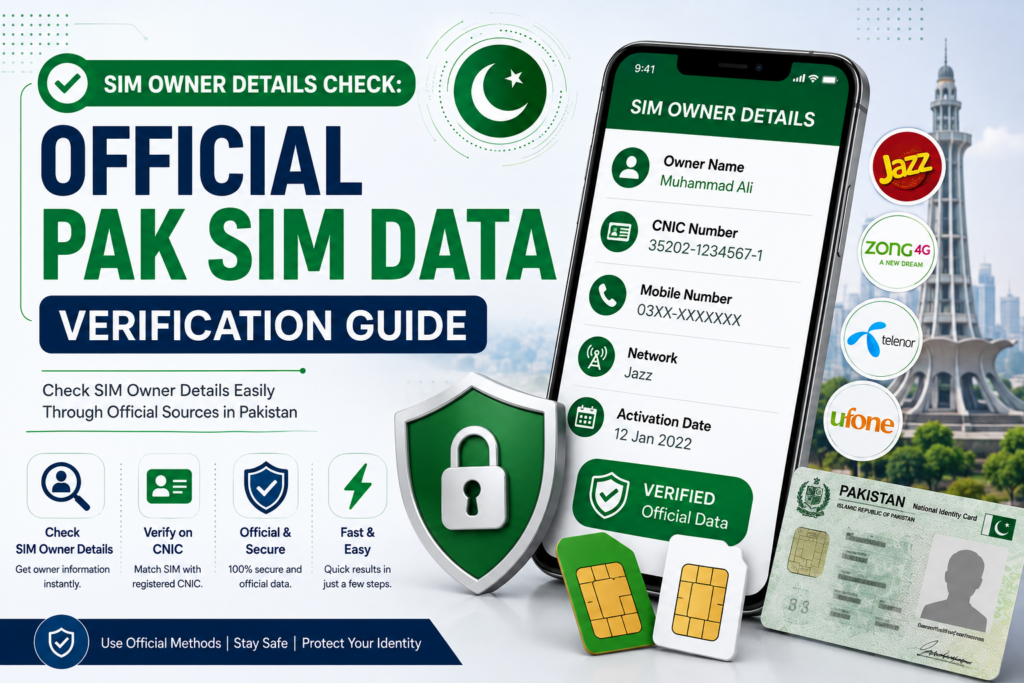
Managing active cellular numbers in Pakistan requires a clear understanding of official verification frameworks. Every active mobile line is tied biometrically to a citizen’s Computerized National Identity Card (CNIC) through joint regulatory protocols established by the Pakistan Telecommunication Authority (PTA) and NADRA.
Knowing how to audit Sim Owner Details and access verified SIM Information ensures that your identity stays safe from unauthorized connections, financial fraud, and legal liabilities.
Understanding the Telecom Verification System
It is compulsory for all domestic mobile operators, including Jazz, Zong, Telenor, Ufone, and SCO, to undergo biometric fingerprint scanning before providing mobile access under federal regulations.
Under active telecom regulations, a single person may have as many as 5 active SIM cards for voice calling services on a single CNIC number. It is essential to audit regularly to check if any additional or fraudulent SIM cards have been associated with your CNIC number.
Official Methods to Verify SIM Owner Details & Information
To review registered line records safely, rely strictly on official, regulatory-approved channels. The services offer real-time accuracy with user privacy protection.
- Online Verification via the Central Web Portal: Use the SIM card verification system in the central web portal. Type your 13-digit CNIC number without hyphens or spaces, and click the CAPTCHA button. The system immediately displays an operator-wise breakdown of active voice and data SIMs registered to your identity.
- Offline Verification via Shortcode 668: If you lack internet connectivity, open your phone’s SMS app, type your 13-digit identity card number with no dashes or spaces, and send it to 668. An automated reply will show the total number of active SIM cards issued under your identity for each mobile network.
- Checking Subscriber Details for the In-Use SIM: To verify registration details for the physical SIM card inside your handset, compose a message with MNP and send it to 667. The system will reply with the registered subscriber’s name, masked identity number, and original activation date.
The Risks of Unofficial “Pak Sim Data” & Live Tracker Websites
Searching online for subscriber lookup tools often leads to third-party platforms operating under terms like “Pak Sim Data” or “Live Trackers”. These platforms claim to offer live GPS tracking, full home addresses, and private subscriber logs.
The official monitoring system draws directly from secure and real-time database registrations, which respect the citizen’s privacy and adhere to data protection laws.
On the other hand, the un-official third-party monitoring portal uses scraped or fake database listings. Visiting such websites will expose one’s mobile phone to risks of adware and malware. Furthermore, under national cybercrime laws, attempt-based unauthorized access to private data carries severe legal risks, and information obtained from illegal sites holds zero legal validity.
Why Checking Your SIM Information Is Important
Maintaining oversight over numbers linked to your CNIC is a basic cybersecurity requirement:
- Identity Theft Prevention: Scammers sometimes attempt to use stolen identity card copies to issue temporary lines. Regular verification helps to detect the hidden relationships at an early stage for disowning them.
- Protecting Digital Banking Apps: The mobile banking applications (like EasyPaisa and JazzCash) and banking services depend on SIM-OTP (One Time Password). Keeping control over registered lines keeps financial accounts secure.
- Avoiding Legal Complications: Regulations hold the primary CNIC holder accountable for communications or illegal activities originating from numbers registered under their profile.
- Maintaining Clean Records: Easily identify old or temporary connections so you can permanently close lines you no longer use.
Essential Protection Guidelines for Identity Documents
Preventing unauthorized SIM activations starts with secure handling of physical and digital identity credentials:
- Physical Document Security: Never provide physical CNIC copies to unverified street vendors or unauthorized SIM sellers. Acquire new lines directly from official company franchises or corporate centers.
- Photocopy Cross-Marking: When submitting physical identity card copies for administrative purposes, write a clear handwritten note across the page (e.g., “For Account Opening Only”) to prevent unauthorized reuse.
- Digital Privacy: Avoid posting unencrypted photos of your identity card across public social media platforms or unverified online forms.
Security Warning: Avoid websites or apps claiming to provide full residential addresses, family records, or live GPS locations. Public access to home address details is strictly restricted to safeguard citizen privacy. Using third-party tracking portals puts your device and personal data at risk.
How to Block and Disown Unauthorized Connections
If a lookup query reveals active SIM cards registered under your CNIC that you never personally purchased, follow these steps to clear them:
- Visit an Authorized Customer Center: Go to the nearest corporate service center or official franchise of the operator holding the unapproved number.
- Bring Identity Documents: Carry your original physical CNIC along with a clean photocopy.
- Submit a Cancellation Request: Inform the customer service representative about the unrecognized connection and request a formal SIM cancellation and disownment form.
- Biometric Scan: Complete a live fingerprint verification scan to confirm your identity and permanently remove the connection from central records.
Conclusion
Auditing your Sim Owner Details and checking Pak Sim Data through official channels like 668 or the central web portal provides a reliable defense against identity misuse. Spending a quick moment to review active connections keeps your mobile banking secure, prevents identity fraud, and ensures complete control over your credentials.