How to Watch Instagram Without an Account: A Guide to Public Content
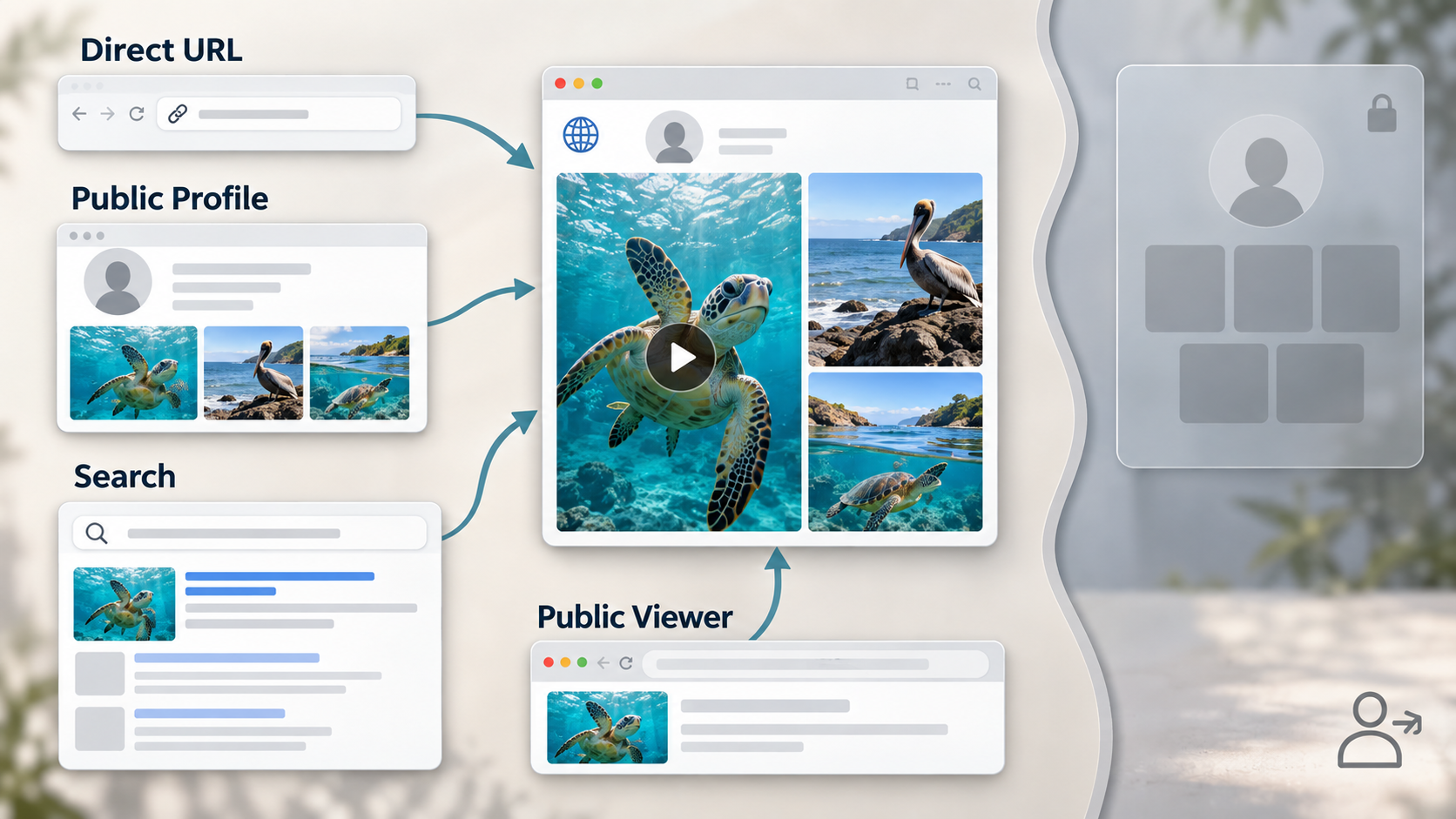
You do not necessarily need an Instagram account to see public content. Public profiles, posts, and Reels can sometimes be opened through a web browser, search engine, or third-party Instagram viewer. However, Instagram limits what logged-out visitors can access, so the experience is more restricted than browsing while signed in.
In practice, you can view some public Instagram content without creating an account, but you cannot interact with it or access private profiles. Stories and deeper profile browsing may also be restricted when you visit Instagram directly.
The best method depends on what you want to do. You might want to check a public profile, find a specific post, watch a public Story, or save publicly available media for legitimate personal reference.
What Can You View on Instagram Without an Account?
Instagram treats public and private accounts differently. Content from a public profile may be accessible outside the Instagram app, while posts, Stories, and Reels from private accounts remain restricted to approved followers.
Without signing in, you may be able to open public posts and Reels through direct URLs, see basic information from public profiles, find indexed Instagram pages through search engines, and use compatible third-party tools for supported public content.
You cannot follow accounts, like or comment on posts, send direct messages, or use Instagram’s complete discovery experience without an account. A legitimate viewing tool also cannot unlock a private profile.
Method 1: Open a Public Instagram Profile in Your Browser
The simplest method is to visit a public Instagram profile directly through Chrome, Safari, Firefox, Edge, or another modern browser.
If you know the username, open the profile URL. You may be able to see basic profile information and some recent public posts. Individual public post and Reel URLs can also sometimes be opened directly.
This works well for quick checks, but Instagram may eventually display a login prompt or restrict further browsing. Stories, continuous scrolling, search, and deeper profile exploration may also be limited for logged-out visitors.
Method 2: Find Public Instagram Content Through Search Engines
Search engines such as Google provide another way to locate public Instagram pages without using Instagram’s internal search feature.
Search for a person, creator, organization, or brand together with the word “Instagram.” Depending on what has been indexed, results may include a public profile or individual post pages.
This method can be useful when you do not know the exact username. However, search engines only display indexed information, and opening a result may still lead to an Instagram login prompt.
Method 3: Use Grabfy for Public Instagram Content
When direct Instagram browsing becomes restrictive, a third-party browser tool provides another option. Some services focus on viewing public content, while others can process publicly accessible media so it can be viewed or saved.
For users who want a simple browser-based option, Grabfy.com is a free platform that provides a useful way to work with supported public Instagram media without creating an Instagram account for the service. This is especially practical when you already know which public content you want to access or save.
Grabfy keeps the workflow focused on publicly accessible content. It should not be treated as a way to bypass private-account restrictions, and you should not need to log into Instagram or provide your Instagram password simply to process supported public media. This makes it helpful for users who want access to supported public media.
Can You Watch Instagram Stories Without an Account?
Stories can be more difficult to access while logged out than ordinary public posts. Instagram Stories normally remain available for 24 hours unless the account owner adds them to Highlights.
Instagram may restrict direct Story viewing for logged-out visitors even when the profile itself is public. In this situation, a dedicated browser-based viewer can provide another route for supported public Stories.
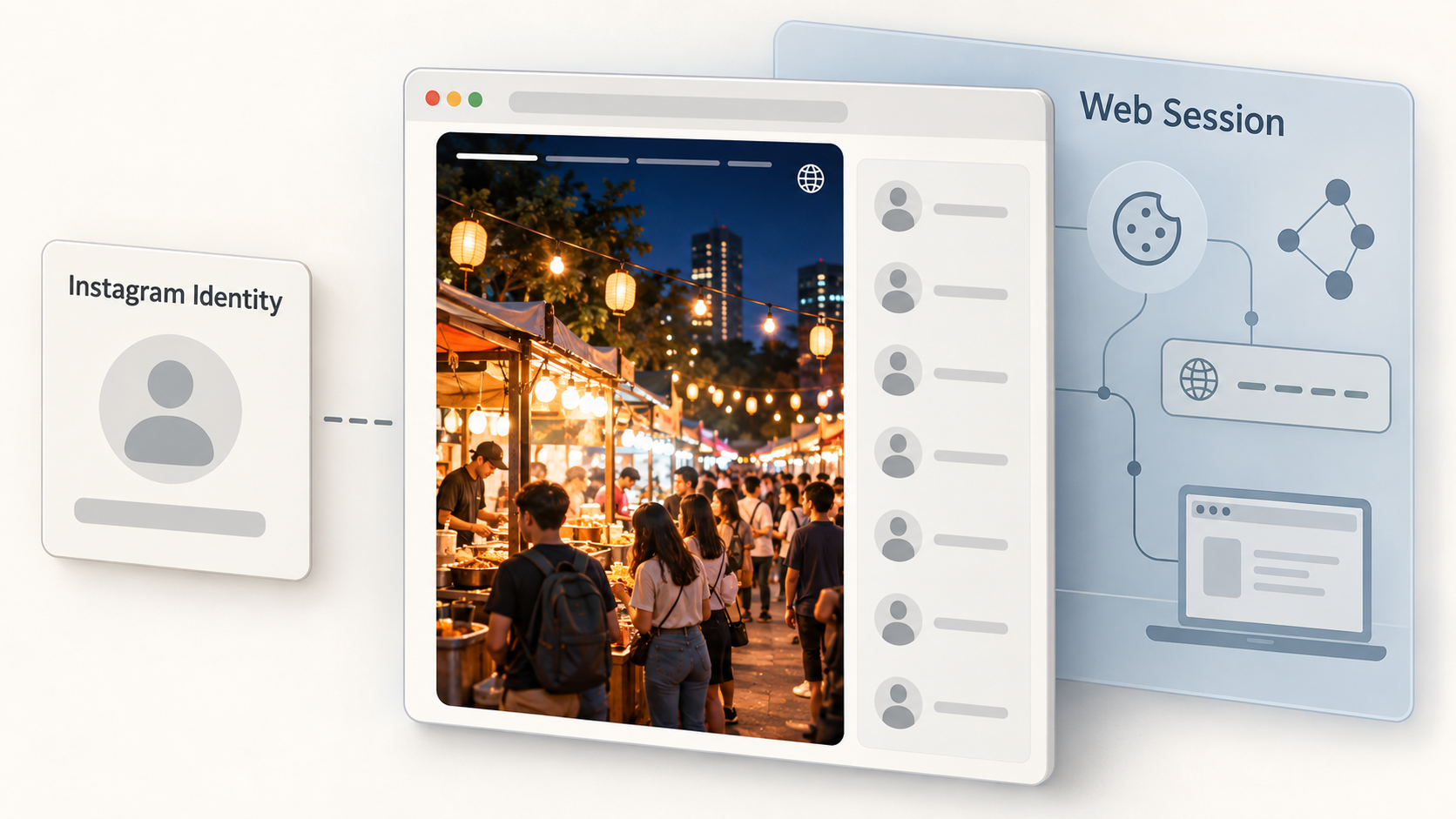
It is important to understand what anonymous viewing means. Viewing without connecting your Instagram account can keep your Instagram username out of the normal Story-viewing process, but that does not mean you are completely anonymous across the internet.
How to Save Public Instagram Posts and Reels Without Logging In
If you already have the URL of a public Instagram post or Reel, a compatible browser-based downloader can provide a straightforward saving workflow.
Copy the URL of the public content and paste it into the appropriate downloader. If the media remains publicly accessible and is supported, the service can process it for viewing or downloading.
The saved file location depends on your browser and device. Desktop browsers commonly use a Downloads folder, while phones may store files through the browser’s download manager or Files interface.
Download quality also depends on the source media. A third-party tool cannot recreate detail that is missing from the version Instagram makes available.
How to View Public Instagram Stories with Grabfy
If your main goal is checking currently available Stories from a supported public account, the Instagram Story Viewer provides a dedicated browser-based option.
Start by identifying the public Instagram account whose Story you want to view. Open the Story Viewer in your browser and provide the supported public account information requested by the tool. If eligible Story content is available, you can check it without using your personal Instagram account for the normal Story-viewing session.
This makes Grabfy particularly relevant for users who want to check supported public Stories while keeping their personal Instagram profile separate from the viewing process. It does not provide access to private Stories, Close Friends content, or other restricted media.
Public and Private Instagram Accounts: Know the Difference
The most important boundary is the difference between public and private content.
Public profiles are intended for a broader audience, although Instagram may still restrict logged-out browsing. Private profiles limit their posts, Stories, and Reels to followers approved by the account owner.
Be cautious of websites claiming they can reveal any private profile, bypass follower approval, unlock private Stories by username, or provide secret access after you enter your Instagram password.
If you want to see a private profile, the legitimate approach is to create or use an Instagram account, send a follow request, and wait for the account owner to approve it.
Does Anonymous Instagram Viewing Leave a Trace?
It depends on what you mean by a trace.
When you browse public content without signing in, there is no logged-in Instagram username associated with that viewing session, which can help limit the direct digital footprint tied to your Instagram identity. A third-party Story viewer can similarly avoid submitting your personal Instagram username through Instagram’s normal Story-viewing process.
However, websites and internet services can still process technical information such as browser details, cookies, connection information, or IP addresses according to their systems and privacy practices.
For this reason, “anonymous Instagram viewing” is better understood as viewing without revealing your Instagram account identity through the normal viewer flow, not as avoiding every trace left through normal web activity.
Is It Safe to Use an Instagram Viewer?
Evaluate third-party tools carefully. For publicly accessible content, there should generally be no reason to give an external viewer your Instagram password.
Be cautious about websites that request unnecessary account credentials, suspicious browser extensions, unrelated software installations, excessive permissions, or payments tied to promises of unlocking private profiles.
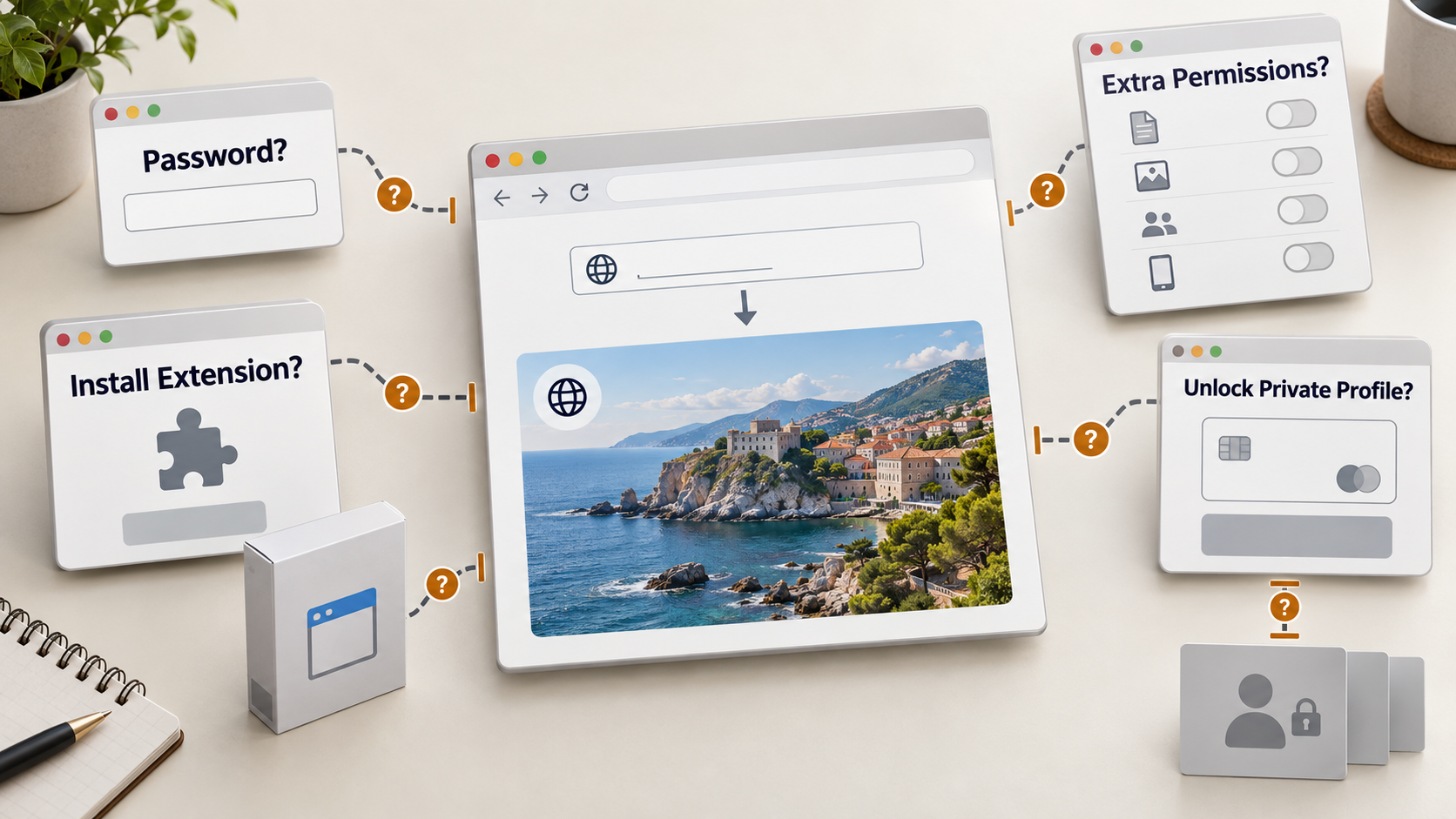
A straightforward public-content tool should clearly explain its features and respect Instagram’s privacy boundaries.
Respect Copyright When Saving Instagram Content
Being able to view or download a public post does not transfer ownership. Photos, videos, music, illustrations, and other creative material may still be protected by copyright or other rights.
Saving your own media or content you have permission to use is different from reposting another creator’s work. For advertising, commercial publishing, editing, redistribution, or other reuse, obtain appropriate permission when necessary.
Viewing Instagram Without an Account Has Clear Limits
If you want to view Instagram without an account, it is possible for some public content. Direct profile URLs work for quick checks, search engines can help locate indexed pages, and you can view Instagram posts and Instagram Reels from a public page, though certain features remain limited when you are not signed in. Browser-based viewers such as Grabfy can also help users view Instagram profiles anonymously in supported public cases.
None of these methods legitimately unlock private profiles or replace an Instagram account when you want to follow, comment, message, or otherwise interact with someone. That can still be useful for social media research or personal interest, but it does not provide full access to private content. If you want to view Instagram discreetly, you may be able to explore some public content and Story content, but not private data or all Instagram features. For public browsing and Story viewing, choose a method that respects account privacy, avoids unnecessary login credentials, and recognizes the creator’s rights over the original content.