Best Free AI Headshot Generator for Professionals in 2025 – insMind
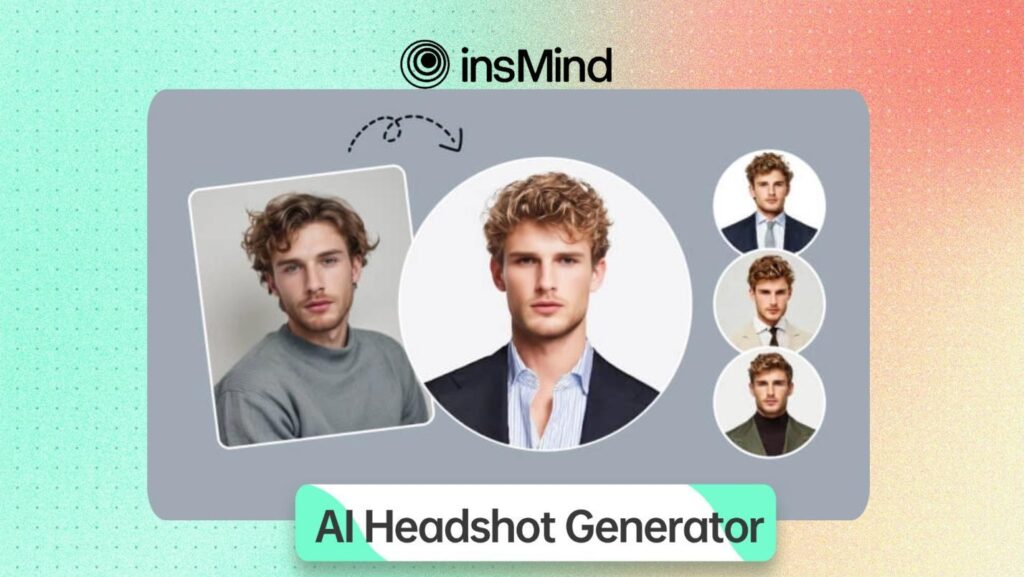
Professional headshots play a crucial role in shaping your personal brand and career opportunities. In 2025, the demand for polished and authentic images is higher than ever, making a reliable AI Headshot generator an invaluable asset.
Therefore, insMind, with its AI-driven technology, provides a quick and high-quality alternative for creating professional photos for a resume and an online business profile. So, keep reading this step-by-step guide to find out how insMind, with its futuristic technology, helps you instantly generate quality AI headshots.
Part 1. insMind AI Headshot Generator | Meeting All Demands of 2025
Designing your headshot virtually can be difficult, but insMind simplifies photo creation. It has the Best AI Headshot Generator that solves the challenge of finding a convenient solution since its AI algorithms analyze and create image seamlessly. It also provides 5 different style categories, separate for Men and Women. Moreover, it offers multiple background options, including Indoor, Outdoor, Office, Park, and others, to match your unique style and image goals.
Furthermore, users can get high-quality AI headshots by providing a simple prompt. Anyone can benefit from free credits for creating headshots as well. Once you have selected from your desired categories, you can download or save your preferred results in Standard or Ultra HD quality to your device. Moreover, it lets you further enhance or resize your results by using the Edit More feature.
Part 2. How to Create a Polished Professional Headshot with AI in insMind
After exploring its features, let’s move forward and use the AI headshot maker to create a professional headshot with a step-by-step guide.
Step 1. Access this Innovative AI Headshot Creator
First of all, visit the insMind’s AI Headshot Generator and click the “Upload Photo” button to select an image from your device.

Step 2. Select a Preferred Headshot Style
After uploading your picture, select your desired category and filter from the right menu. Here, click the “Generate” button to start the AI headshot making process.

Step 3. Download Your AI Headshot Result
As a result, the tool will create your preferred output, which you can save to your device by clicking the “Download Standard” or “Download Ultra HD” option.

Part 3. What Benefits Does insMind’s AI Headshot Generator Provide?
After going through the process of using this best AI headshot generator, now is the time to see what benefits it can provide for its users. Below are some key significances that can help you create your preferred headshot styles with ease:
- Profile Pictures: With the insMind AI headshot creator, users can generate professional and polished snapshots to post on any social media or online platform.
- Selfies into Studio Style Headshots: This free AI headshot generator can help you convert your selfies into professional studio-quality headshots to enhance your online presence.
- Headshots for LinkedIn and Resumes: Users can also design attractive and best AI headshots for their LinkedIn profiles, resumes, and CVs, which can greatly improve brand trust and credibility.
- Diverse AI Headshot Styles & Scenarios: insMind’s AI headshot maker features multiple categories, including Sketch and Cartoon, from which users can choose based on their preferences.
Part 4. Some Essential insMind Features You Should Explore
Apart from the AI Headshot generator free, insMind also comes with various features with which users can enhance their images. Some of the other features that can provide you with different experiences are mentioned below:
1. Avatar Maker
Through this powerful tool, you get multiple Art and Sketch categories to craft appealing avatars without effort. With 2 different download options, it lets users download their avatar based on their quality needs and budget.

2. Profile Picture Maker
With this, users can generate profile pictures with multiple background options. Besides, one can apply AI filters or remove unwanted objects from their images using the Magic Eraser feature.

3. AI Character Generator
insMind’s AI Character Generator allows you to create personalized and lifelike characters by choosing your preferred art styles. You just have to put a simple text prompt and get your image converted into Realistic, Anime, 3D Style, etc.

4. AI Filter
Turn your images into cartoons, sketches, or Ghibli Arts using the insMind’s AI filter tool. Along with 4 major categories and various filters, you get hundreds of customizations and further editing options.

Conclusion
In conclusion, insMind’s AI Headshot Generator offers an easy way to create and improve headshots for any setting. The platform brings together helpful features that save you time, enhance your photos, and let you explore different looks. Whether you need a refreshed profile picture, a polished resume image, or a unique style upgrade, try insMind now to get professional results without extra stress.






