Resume Builder: Find the Perfect One for You
,
There are dozens, maybe even hundreds, of resume builders available online. But how many of them actually help you create a resume that stands out and increases your chances of getting hired? A high-impact resume isn’t just about eye-catching design, clean formatting, or the right font choices. It also needs to be fully optimized for Applicant Tracking Systems (ATS), all the way down to the meta tags embedded in the PDF file.
A few years ago, creating a resume was much simpler. But with the rapid development of technology and the rise of sophisticated hiring software, it’s no longer enough to rely on looks alone. Today, the resumes that succeed are the ones that can beat the system and rank higher in recruiter searches.
Which Resume Builder You Should Use
There are plenty of free and paid websites that can help you create a resume, but not all of them offer the same value. We’ve done the research for you and outlined the pros and cons of the most popular resume builders. Hopefully, this guide will help you choose the one that best fits your needs.
Canva Resume Builder
Canva is a great tool developed for design and video editing. It offers a wide range of features that help you create content tailored specifically for platforms like YouTube and Instagram. In addition to its design tools, Canva also includes features that make it easy to create a resume.
The best part? Canva offers this resume-building service for free. That means you can design and download your resume at no cost, making it an accessible option for anyone looking to build a professional resume without spending money.
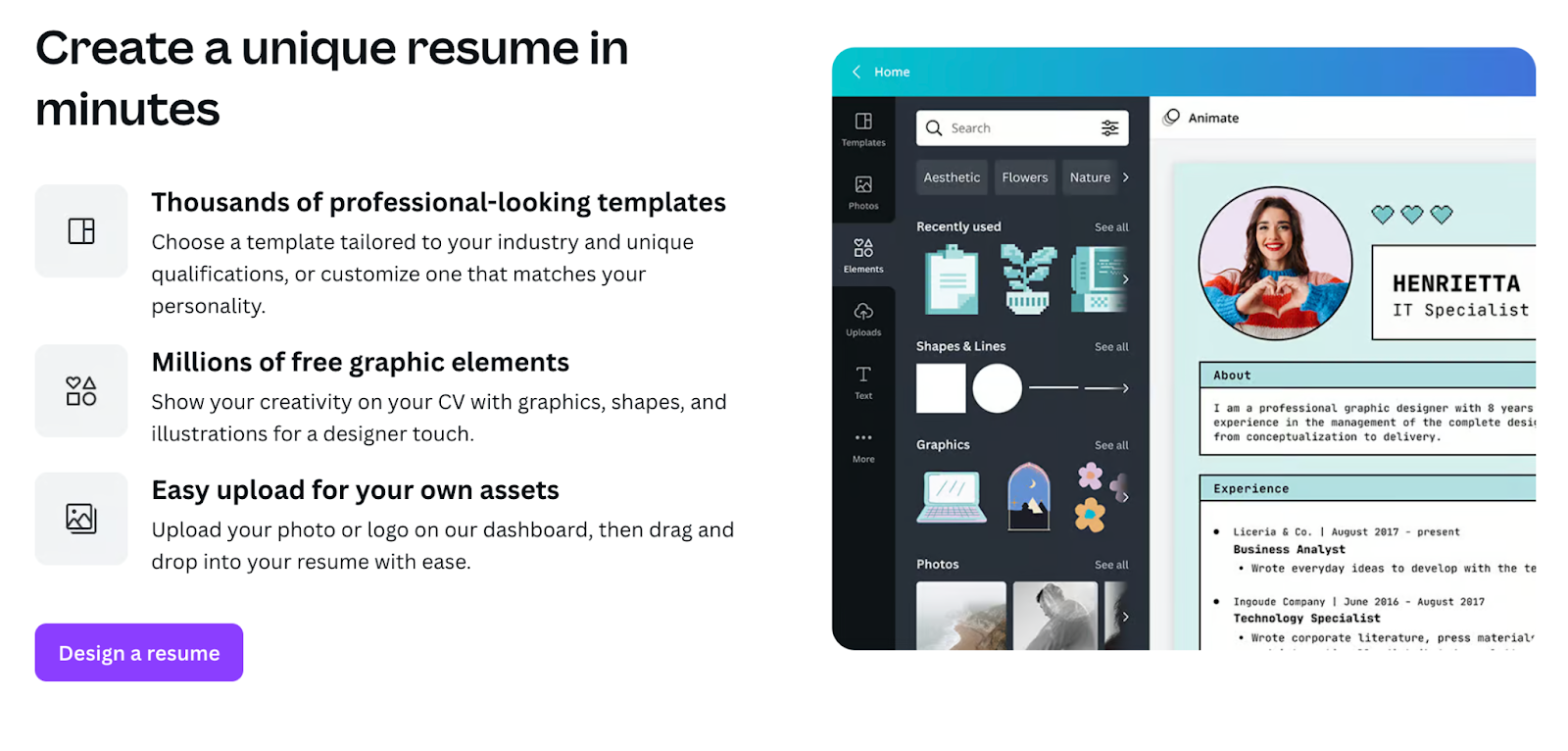
While Canva’s resume builder is visually appealing and helpful in many ways, it does have some major drawbacks. One of the biggest issues is that the resumes created with Canva are not ATS-friendly. This means your resume may not be properly optimized for applicant tracking systems, and as a result, it could fail to show up in search results or rankings used by hiring software. This is arguably Canva’s biggest weakness when it comes to resumes. After all, if your resume doesn’t even reach the hiring manager, does it really matter how good it looks?
Another downside is that Canva doesn’t provide much guidance on what to write or how to structure your resume content. If you’re unsure of what to include or how to phrase your experience, this lack of support can make the process more challenging. For job seekers who need both design and writing help, this could be a serious limitation.
If you’d like to explore Canva’s resume builder for yourself, you can check it out here: Canva Resume Builder
Rabbit Resume Builder
Rabbit Resume Builder is a powerful tool designed specifically to help you create strong resumes. It allows you to craft ATS-friendly resumes and also includes a unique feature called ATS-Hack. This feature scans your resume (job title, skills, experience) and uses AI to generate relevant keywords, which are then added invisibly to your document.
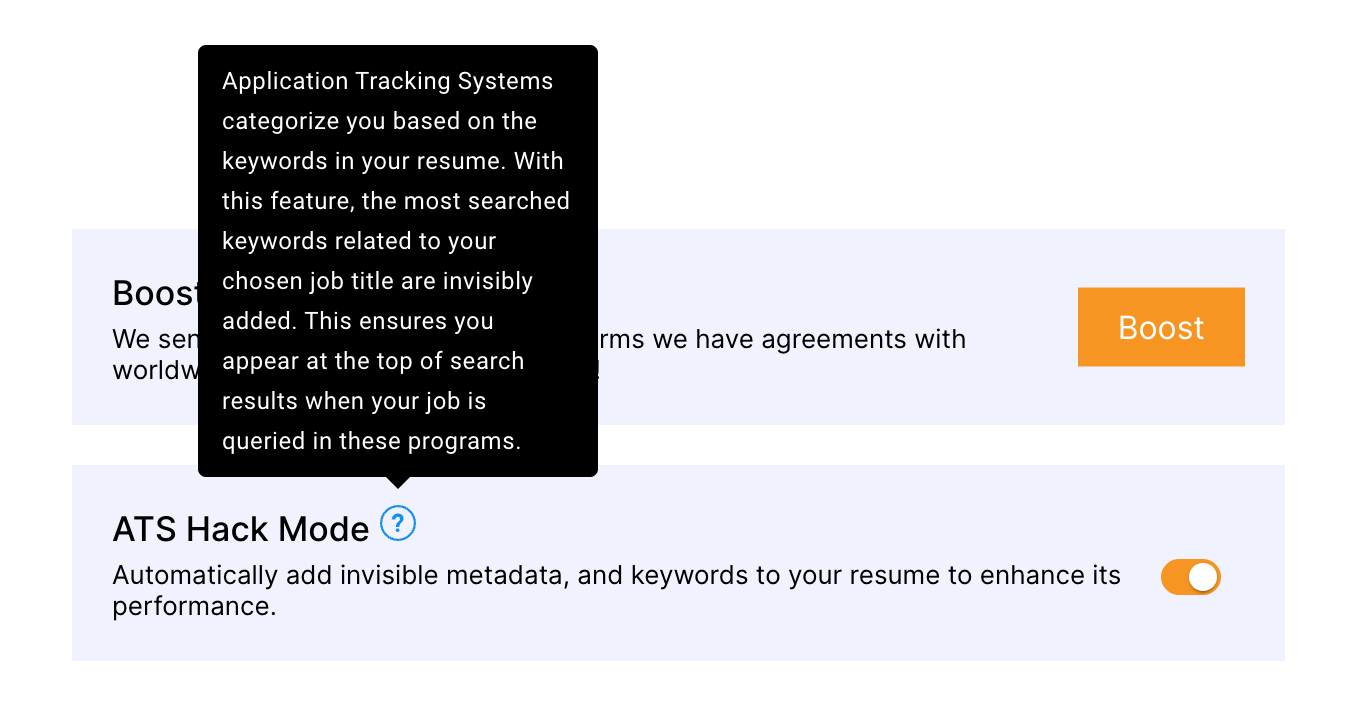
This means that, not only will you have an ATS-friendly resume templates, but with the ATS-Hack feature, your resume is optimized to rank higher in ATS searches, ensuring you appear at the top when hiring managers review your application.
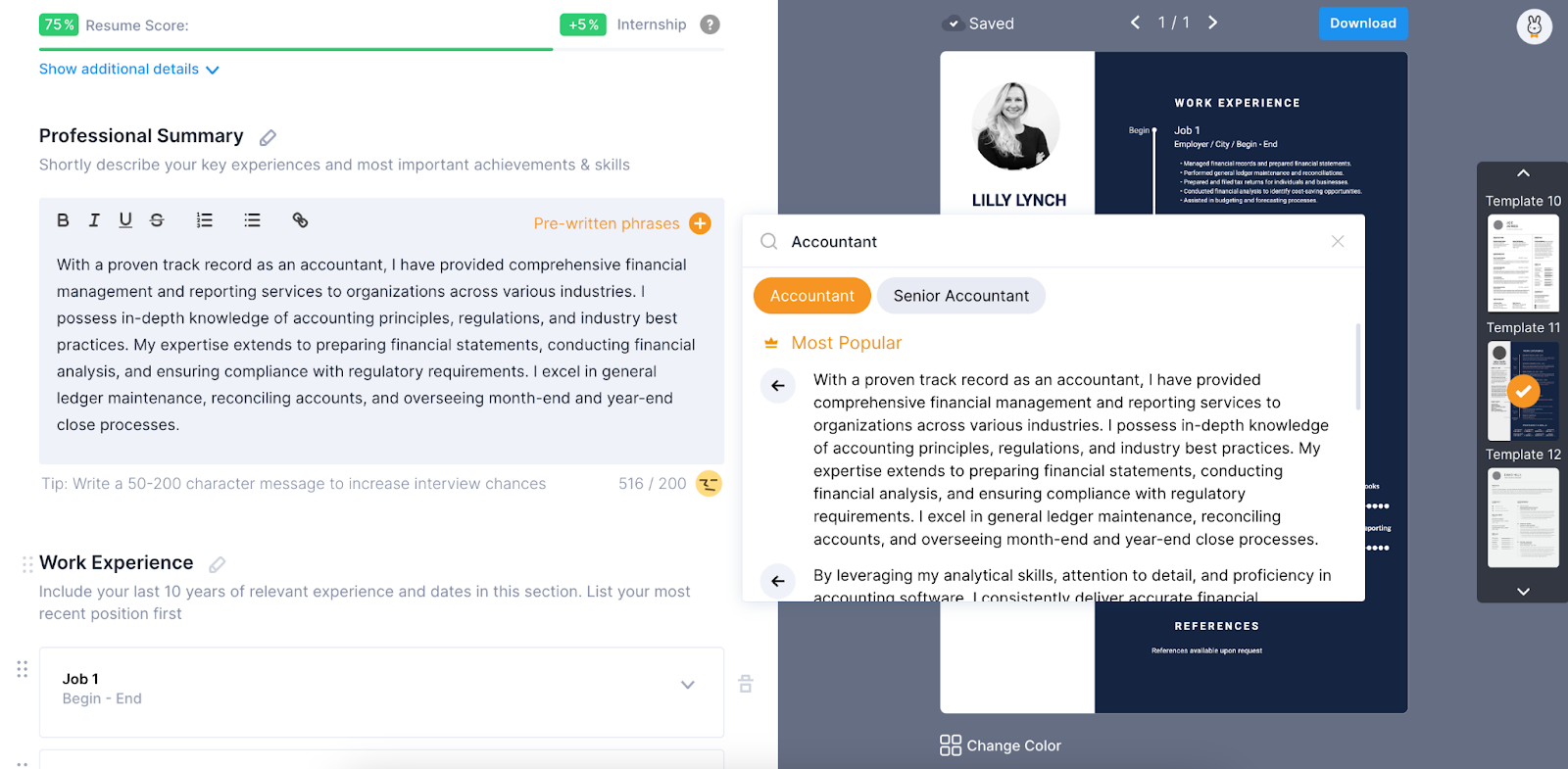
If you’re unsure about what to write on your resume, Rabbit Resume Builder guides you through each section (like professional summary, work experience, etc.) by offering helpful suggestions. With just a click, you can add these suggestions and quickly create a strong, professional resume. Plus, it allows you to do this in 10 different languages and across 400 job industries, giving you the flexibility to tailor your resume for various career paths.
One of the most powerful features of Rabbit Resume is its ability to send your resume to over 300 recruiters with just one click. If you’re looking for remote or relocation opportunities, this feature will definitely come in handy.
One downside of Rabbit Resume is the limited selection of templates. With only 12 themes available, some users might find this number too small, and it’s clear that more options are needed.
For more detailed information, feel free to check out Rabbit Resume Builder here: Rabbit Resume Builder
We hope this guide to resume builders has been helpful in your job search journey. By using the right tools and creating a strong, well-crafted resume, you’ll be one step closer to landing your ideal job. Best of luck, and may your job search be successful and efficient!






